How Should You Charge a Phone to Look After Its Battery?
Phone batteries are consumables, and the way they are charged decides how quickly they become one. Two years of ordinary use can leave a cell at ninety per cent of its original capacity or at seventy, depending on habits that take almost no effort to change. The chemistry is simple enough: cells age faster when they sit full, sit empty, or get hot. Everything practical follows from those three conditions, and none of it takes more than a small change of habit. What follows is less a list of rules than three conditions worth avoiding, each testable in a minute.
How Full and How Empty
Staying Between 20 and 80 Per Cent
Most lithium cells are happiest between roughly twenty and eighty per cent, which is why some phones now offer a setting that stops at eighty until morning. Staying inside that band reduces the hours the cell spends at high voltage, which is the state that wears it fastest. In practice it means short top-ups through the day rather than a single long fill from empty. The iphone charger you already own can do this; it only needs unplugging an hour earlier than usual. Charging from forty to seventy costs the cell almost nothing, while the last twenty per cent takes longest and produces the most heat.
Overnight Charging and Short Top-Ups
Overnight charging is less harmful than it used to be, because modern phones stop drawing current once full, and many delay the last twenty per cent until shortly before an alarm. What remains is heat, since a phone under a pillow or beside a radiator will sit warm for eight hours. If you charge overnight, keep it on a hard surface and take the case off. If you can bear the habit, the eighty per cent limit removes most of the concern entirely. A phone that reaches a hundred at midnight and holds it until six spends six hours at the voltage that ages it fastest.
The Charger and the Cable
Fast Chargers and When They Help
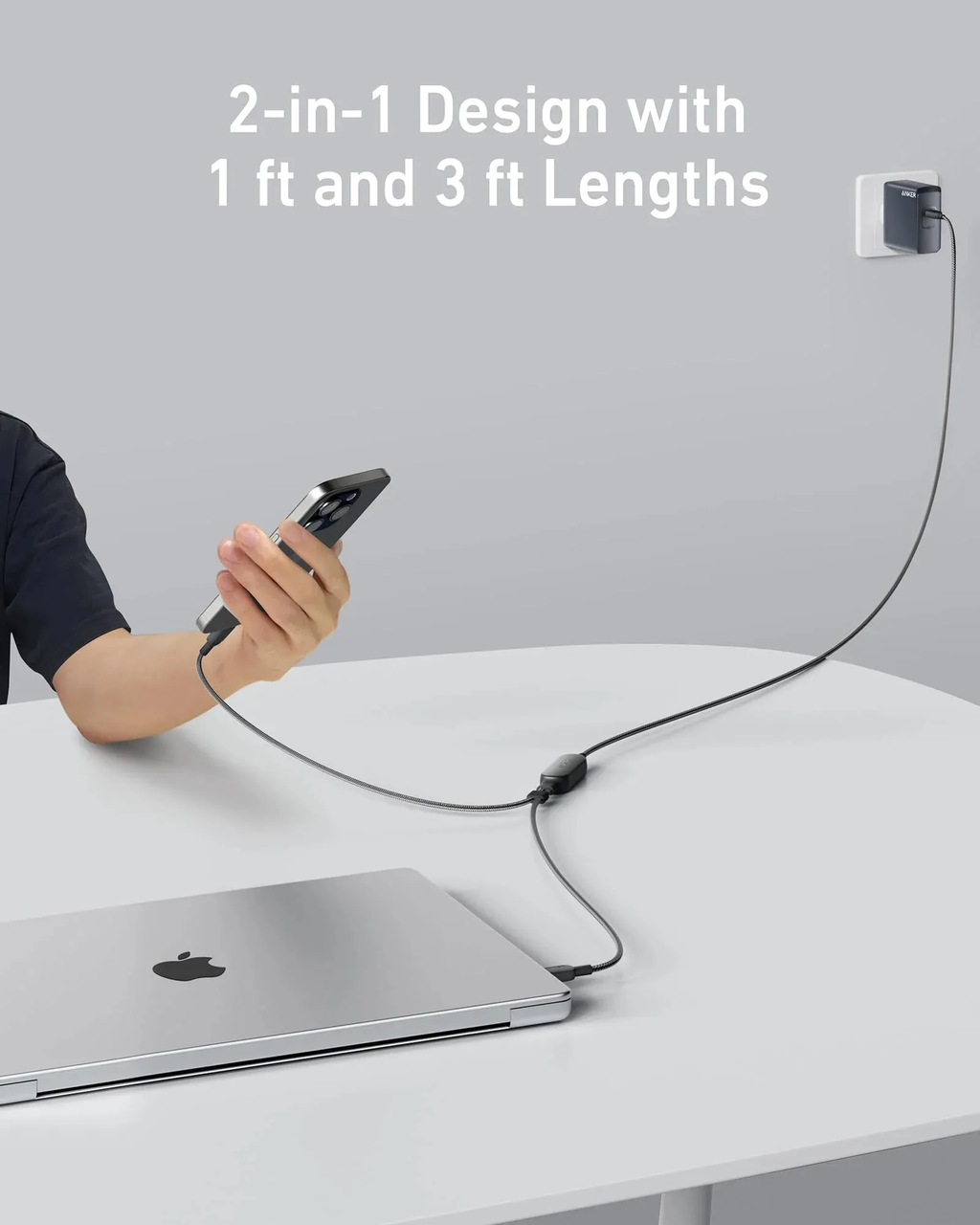
Fast charging gets blamed for more wear than it deserves. Heat does the damage, and a phone that negotiates a high rate for twenty minutes and then tapers is not the same as one held at that rate for an hour. Fast charging is worth using when it genuinely helps: before a journey, between meetings, whenever a top-up has to count. A charger that delivers what the phone asks for rather than forcing current, such as the Anker 735 Charger (Nano II 65W), keeps that negotiation polite: it hands a phone the 20W it asks for and lets the rest go to a laptop on the second port. The phone takes what it can use, and a well-made charger stops offering more rather than continuing to push.
Wireless Pads and Unknown Plugs
Wireless pads produce more heat for the same energy, because power is lost in the coil and the phone rests against a warm surface. That does not make them harmful, but it makes them a poor choice for a long session under a pillow or on a duvet. Unknown plugs are a different matter: an uncertified charger can deliver unstable voltage, which is worse for the phone than any charging pattern. Buy the pad from somebody who will still be trading in two years. A pad that charges a watch and a phone at once doubles the heat in a small area, which is worth knowing before it moves to the bedside table. A certified pad with a fan is a different object from a thin one that has no way to shed heat.
Heat While Charging
Heavy Apps Running in the Background
Heat also comes from inside the phone. A device charging while running navigation, a video call or a game warms up faster than the charger alone could manage, and that combination is what shortens life. If the phone is hot to the touch during a charge, something is asking too much of it at once. Closing the demanding app for twenty minutes does as much for the battery as choosing a gentler plug. Navigation is the worst offender, because it combines a bright screen, a radio and a charge at once. A vent mount keeps the phone cooler than a windscreen suction cup, and costs about the same.
Cases, Cars and Direct Sunlight
Cases trap heat, and thick ones trap more. Removing the case while charging is the simplest change most people can make, and it costs a minute. Cars are the other obvious hazard: a phone left on a seat in sunlight reaches temperatures no charger would produce, and a cell stored hot all summer loses capacity faster than one used hard for a year. Shade and a vent clip solve most of it. A case left on during a wireless charge is the commonest version of this mistake, and the phone will feel warm within minutes. Thick cases sold for drop protection are the worst, since they insulate as efficiently as they protect.
Conclusion
Battery care is mostly avoidance rather than technique. Keep the cell away from the two extremes, empty and full, and keep it cool, and the rest of the advice becomes optional. A good charger helps most when the phone is kept out of a hot car in the first place, and no habit has to be perfect. Consistent small choices are what separate a battery that lasts four years from one that lasts two. Treat the cell like food that keeps better cold: avoid the extremes, avoid the heat, and skip the rest. The phone will still work in four years; the question is how often it wants a socket by lunchtime.